Starter
Live TV and the on-demand library in Full HD on one device.
A$69/ year
Usually A$99
- 40,000 live channels with EPG
- 90,000 films & series on demand
- Full HD streams
- 1 device
🇦🇺 Hardware for live TV
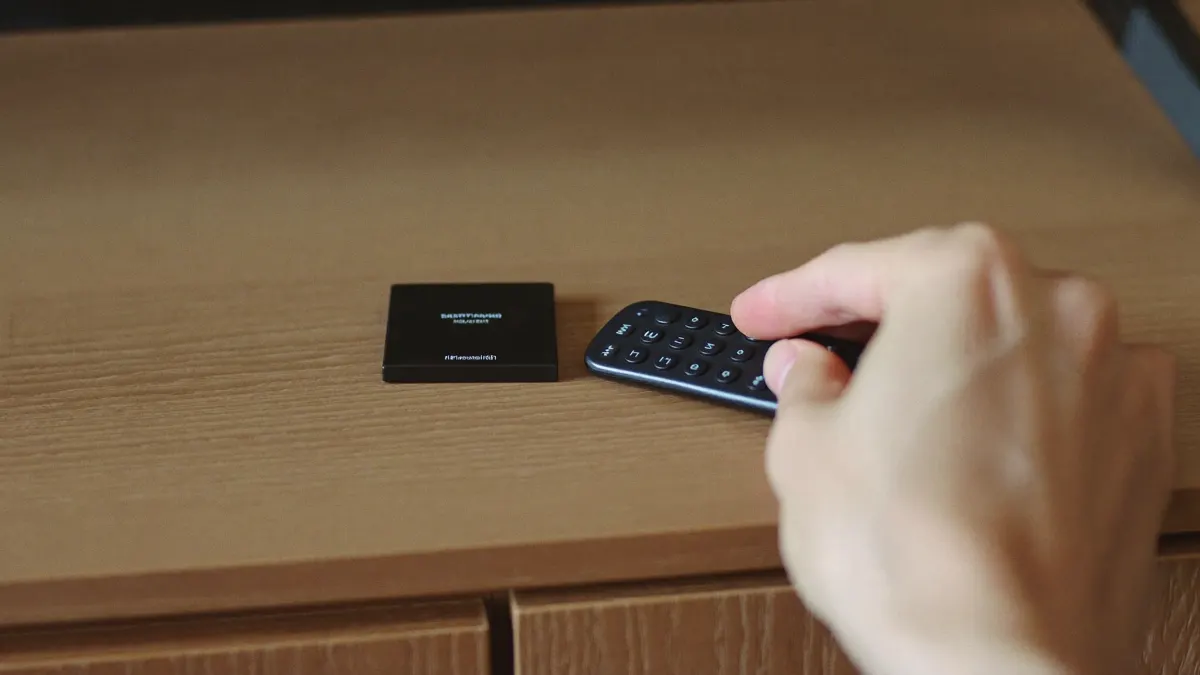
An IPTV box is the bit of hardware that turns our login into a full live-TV guide on your television. Pick a good one and channel flicking feels instant; pick a weak one and even a fast connection cannot save it. Here is what we recommend, based on the setups we help with every week across Australia and New Zealand.
Why hardware matters
Live TV is harder work for a device than a movie app. A film streams one file at a steady rate. An IPTV guide, by contrast, loads tens of thousands of channel names, a week of programme listings and logos, then switches between live feeds every time you press up or down. A weak device chokes on that load long before your internet connection does.
We see it constantly on support chats: someone with a 100 Mbps connection wonders why their channels stutter, and the culprit turns out to be a budget box with too little memory, or a TV app that freezes every time the guide refreshes. Choosing the right hardware solves most of those problems before they start. For the technical side of how streams are delivered, the IPTV standard overview is a good read.
Plans for your box
Every plan works with the boxes below. Starter suits Full HD boxes; Premium 4K and Lifetime Max shine on 4K-capable hardware.
Live TV and the on-demand library in Full HD on one device.
A$69/ year
Usually A$99
Our pick
The bigger library in 4K with 3-day catch-up.
A$119/ year
Usually A$169
Pay once: dedicated server and up to 4 screens.
A$499one-off
Usually A$769
Your login lands by email, usually in 5–30 minutes.
Box families
The most flexible option. Full app store, Ethernet on most models and room for players like TiviMate. Our first choice for big guides.
Compact, inexpensive and easy to set up, with apps installed through the Downloader route. A handy way to run IPTV with box convenience on a second TV.
Smooth and dependable, with players like IPTV Smarters Pro and GSE Smart IPTV. Ideal if your household lives on iPhones.
A classic set-top experience with a simple remote and a portal-based setup. Fewer app choices, but very easy for older viewers.
Unbranded boxes sold pre-filled with apps. We advise against them: outdated software, security risks and no updates.

How the main options stack up when you run IPTV with box hardware from our service.
| Box | Best app | 4K | Ethernet | Ease of setup |
|---|---|---|---|---|
| Android TV / Google TV box | TiviMate | Yes | Most models | Easy |
| Fire TV Stick 4K | TiviMate or Smarters | Yes | Adapter needed | Easy |
| Apple TV 4K | Smarters or GSE | Yes | Yes | Very easy |
| MAG box | Built-in portal | Model dependent | Yes | Very easy |
| Samsung / LG TV (no box) | IBO Player | Yes | Yes | Easy |
Box or no box
Plenty of recent Samsung, LG and Google TV sets run IPTV apps directly, so you may not need extra hardware at all. Watching IPTV with box hardware still has clear advantages in three situations.
First, if your TV is more than four or five years old, its processor and app store have probably fallen behind. Second, if the TV’s own system feels slow when scrolling, a dedicated box will feel noticeably snappier. Third, if your preferred app is not available on your TV brand, a box opens up the full range of players.
If none of those apply, try the TV’s own app first. IBO Player on Samsung and LG sets works well for many people. You can always add an IPTV box later if the experience disappoints. For a broader explanation of what these devices are, see our smart TV box explainer.
Real-world difference
On paper, a modern TV app and a dedicated box do the same job. In daily use, the gap shows up in small moments. Opening the guide on a busy Saturday, jumping from the cricket to the football and back, or scrolling through a long list of Indian or Korean channels: those are the moments where IPTV with box hardware tends to feel quicker and steadier.
Families notice it most. When three people use the same TV, the app gets opened and closed dozens of times a day. A box with enough memory keeps the player loaded in the background, so it reopens straight onto the last channel instead of starting from scratch.
There is also the remote. Many box remotes have a dedicated guide or number buttons that make channel surfing feel like old-school TV, which grandparents in particular appreciate. Watching IPTV with box remotes like that is often the deciding factor for older viewers.
The trade-off is one more device and one more HDMI input to switch to. Most households set the box as the TV’s default input and forget about it. If you are torn, start on the TV’s own app; moving to IPTV with box hardware later takes only a few minutes, and your login works on both.
Specs
Box listings throw a lot of numbers at you. For IPTV with box setups, only a handful really count.
Memory. Large guides need RAM. Look for 2 GB as a minimum and 3 to 4 GB if you plan to load the full channel list on Premium 4K or Lifetime Max.
Video decoding. Hardware support for H.265 (HEVC) lets the box play 4K feeds efficiently without overheating or dropping frames.
Networking. A gigabit or 100 Mbps Ethernet port is the single best feature for stable sport. If you must use Wi-Fi, choose a box with 5 GHz or Wi-Fi 6 support.
Software support. A box from a known brand that still receives updates will keep running current player apps. Abandoned boxes slowly lose app compatibility.

The order below suits most Android boxes and Fire sticks. Labels shift between box makers and app releases, so send us a photo if a screen does not match.
Run Ethernet from the router to the IPTV box. On a Fire TV Stick, a small Ethernet adapter does the job.
Install any pending system updates before adding apps, then restart the box.
Add TiviMate, IPTV Smarters Pro or XCIPTV from the app store or, on Fire TV, through the Downloader app.
Key in the server, username and password we emailed, or paste the playlist address. With the Xtream method the programme guide normally pulls in by itself.
Switch off the groups nobody in the house opens; a shorter list loads quicker and frees memory.
Have the guide update once a day, ideally overnight, so it is not reloading during the match.
Fire TV
Amazon’s 4K stick is the hardware we help set up most often, mainly because it is inexpensive and already sitting in a drawer in plenty of Aussie homes. Paired with TiviMate or IPTV Smarters Pro, it runs our service comfortably.
Its weak points are limited storage and Wi-Fi only out of the box. Clear out unused apps every few months, and where the modem sits in another room, plug in Amazon’s wired adapter. Our Firestick guide walks through installation step by step.
Apple and MAG
Apple TV 4K is the premium choice: fast, quiet, well supported and easy to use with an iPhone as a keyboard. Players such as IPTV Smarters Pro and GSE Smart IPTV work well on it. The guide experience is a little less customisable than TiviMate on Android, but most viewers never notice.
MAG boxes take the opposite approach. They are built for IPTV and nothing else, with a simple remote and a portal-style login. Older viewers often love them because there is little to get confused by. The trade-off is fewer app choices and slower updates. If you want a MAG setup, message us before ordering so we can prepare the right login type.
Getting help
Stuck halfway through running IPTV with box hardware? Our WhatsApp line is staffed every day. Tell us the make and model, include a picture of the screen where things went sideways, and we will take it from there. If you are using IPTV Smarters Pro, our Smarters Pro guide covers that app in detail.
Once you have settled on hardware, pick a tier on the subscription page. A 1080p device pairs naturally with the A$69 Starter year, while 4K-ready gear earns its keep on the A$119 Premium tier or the one-off A$499 Lifetime Max.
Planning to run IPTV with box hardware? Send your model on WhatsApp and we will recommend the best app and plan for it, then help with setup on the night.

Written and kept up to date by the people answering our WhatsApp line, seven days a week.